The Dashboard That Had to Survive Real People
Home Assistant is powerful enough to make a house feel like a science project. It is also powerful enough to make your family stage a quiet revolt. I learned the difference the hard way.
When I first stood up the system in our 2003 Boise house I did what most former network engineers do: I automated everything that moved. Lights, climate, notifications, presence, even a reminder that the garage freezer door had been open for more than three minutes. Within ten days Taryn had a short mental list of automations she wanted deleted, the kids had started turning devices off at the wall, and I realized the goal was not maximum control. The goal was a house that felt helpful instead of bossy.
This post is the current state of that compromise. Thirty-two automations that are still enabled, still useful, and still tolerated by the people who actually live here. I will also mention a few that did not survive contact with reality. The point is not to hand you a YAML dump. The point is to show what “smart” looks like when the success metric is “nobody is annoyed.”
Your house should work for you, not the other way around. That includes the people who do not care about the underlying protocol.
The Ground Rules That Keep the System Alive
Before any automation gets written it has to clear three informal tests:
Does it remove a repeated annoyance or decision?
Can it fail gracefully without making the house worse?
Will the rest of the family notice it only when it is missing, not when it is working?
If the answer to any of those is no, it stays on the drawing board or gets deleted. That filter is why the count sits at thirty-two instead of ninety.
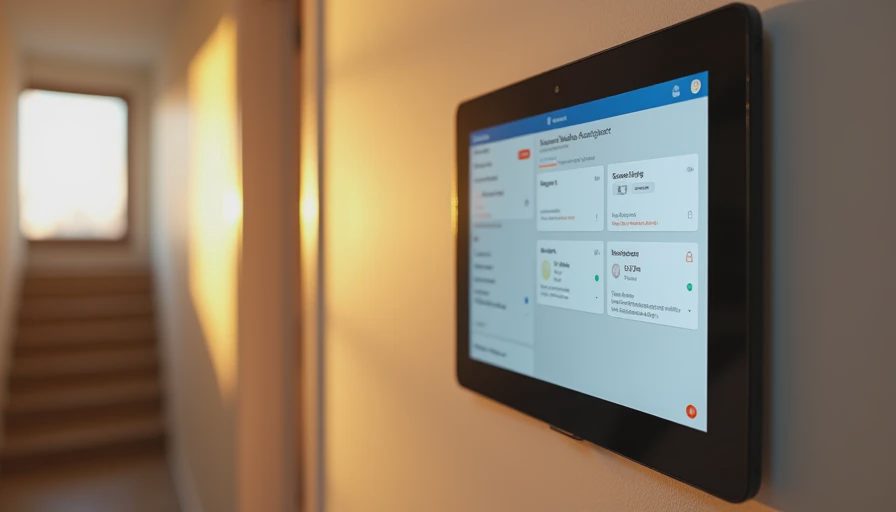
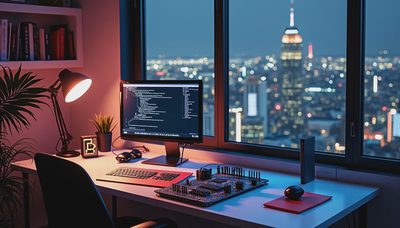
I run Home Assistant on a small always-on machine in the basement network rack, with a clean MQTT backbone, Zigbee and Z-Wave coordinators, and a handful of ESPHome devices for custom sensors. The UI the family sees is a set of simple Lovelace dashboards—one for climate, one for energy, one for “house status”—that hide almost all the complexity. The Grafana wall is for me. The tablets and phones are for everyone else.
The Automations That Earned Their Keep
Presence and lighting form the largest group. When the last person leaves, the house enters a clear “away” state: selected lights off, climate setback, a few high-draw outlets powered down. When the first person returns, a short welcome scene runs—entry lights to a usable level, climate restored—without theatrical color shows. Motion-based lighting in hallways, the basement stairs, and the garage handles the “hands full of groceries” problem. These are deliberately boring. Boring is what survives.
Climate automations are next. The heat pump and air handler follow a schedule that already respects Idaho Power’s peak window, with a modest temperature drift allowed during expensive hours on mild days. A simple “house is sleeping” mode drops the setpoint a degree or two after everyone is in bed and raises it before the first alarm. Nothing radical, just consistent.
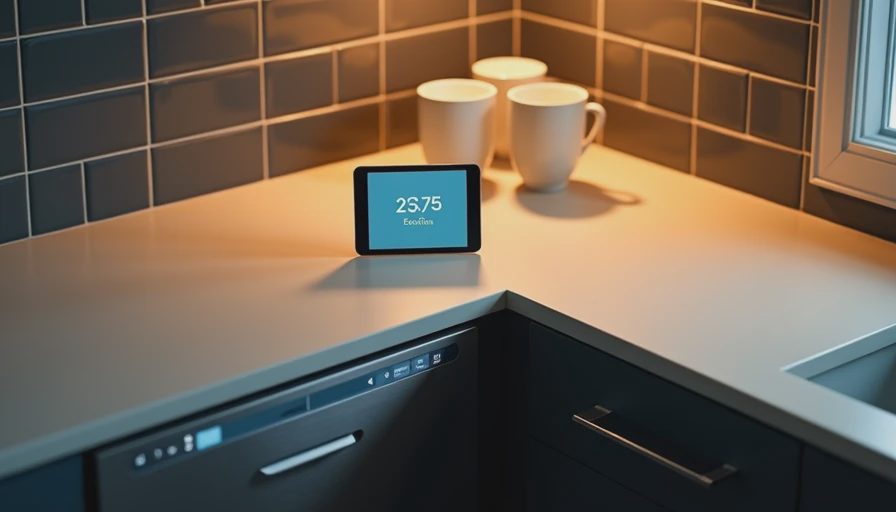
Kitchen and laundry helpers turned out to be surprisingly popular. The dishwasher is allowed to run only in off-peak hours unless someone overrides it. A notification fires if the laundry has been sitting wet for more than an hour. The garage freezer reports if its door has been open too long. These are the automations Taryn actually quotes back to me when something works.
Energy-aware scenes keep the nerd wall honest. A few high-draw circuits are watched; if the house is already in peak rate and additional large loads start, a quiet notification appears instead of an automatic shutdown. I tried aggressive load-shedding once. It lasted four days.
A small set of safety and maintenance automations runs in the background: leak sensors under the sinks and near the water heater, a filter-change reminder based on runtime rather than the calendar, and a daily summary of any battery-powered sensor that is getting low. These never appear in the main UI unless something needs attention.
Finally there are the purely personal ones that still passed the family test. The fermentation chamber in the garage holds a tight temperature band for home-brew batches. The porch light follows a simple dusk-to-dawn rule with a manual override that does not fight back. A “movie mode” dims the living-room lights and pauses a few non-essential notifications. Small, optional, and easy to ignore.
The Ones That Did Not Survive
A few early experiments earned permanent retirement. An aggressive “all lights off at midnight” rule collided with late-night reading and teenage snacks. Color-temperature shifts that tried to mimic circadian rhythm felt like the house was second-guessing us. A voice announcement every time a door opened became background noise within forty-eight hours and was deleted. Anything that required constant manual overrides was eventually removed; overrides are a sign the automation is fighting the household instead of helping it.
The pattern was consistent. Automations that removed friction stayed. Automations that added new decisions or theatrical effects did not.
How the System Stays Maintainable
I keep every automation documented with a one-line purpose comment and a last-reviewed date. Once a quarter I scroll the list and disable anything that has not fired or has started collecting overrides. The YAML is broken into packages by function so a lighting change cannot accidentally break climate. Backups are automatic and tested.
The family-facing dashboards never show raw entities or technical names. If a control is on a tablet in the kitchen it uses plain language and large touch targets. That single decision has prevented more support questions than any amount of training.
What I Would Tell Someone Starting Today
Start with presence, lighting, and one or two high-value notifications. Live with them for two weeks before adding anything else. Measure success by whether the people who do not care about Home Assistant still like living in the house. Keep the showy effects on a separate profile or disable them entirely. And accept that the perfect automation count is the one that remains enabled after the first school-year schedule change or holiday disruption.
Thirty-two is not a magic number. It is simply the current total that has survived contact with a working spouse, two kids, and a former network engineer who still has to stop himself from adding just one more rule.
The house feels quieter now. The data is still there when I want it. The automations do their jobs and then get out of the way.
Your house should work for you, not the other way around. The best smart-home system is the one nobody has to think about.
Letters
No letters yet — be the first to write.