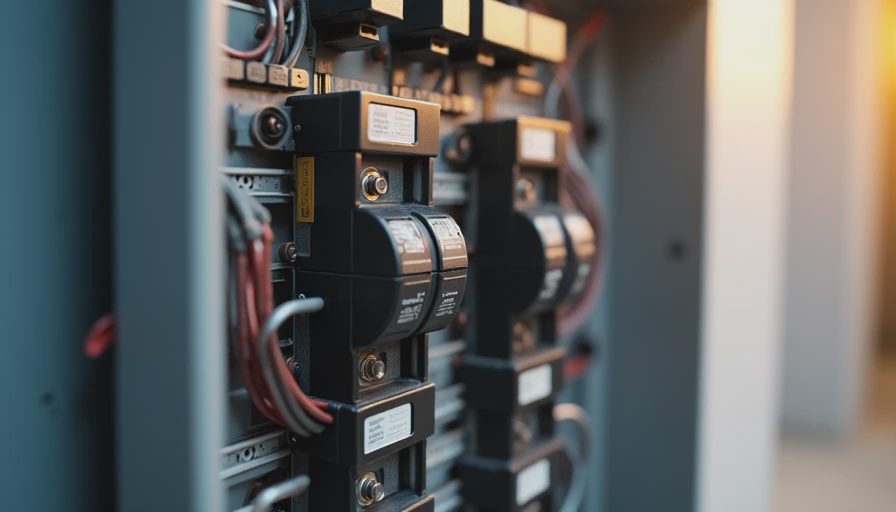
The Optimistic Saturday That Turned Into a Mapping Marathon
I had the Emporia Vue kit sitting in a box for three weeks. The whole-house monitor had already shown me the big picture, but I wanted circuit-level data—the kind that tells you exactly which breaker is feeding the forever-running bathroom fan or the entertainment center that never quite sleeps. On paper the install looked straightforward: kill the main, open the panel, clip the current transformers, land the wires, restore power, and start naming circuits in the app.
On paper.
What actually happened is that I labeled half the breakers wrong, spent the rest of the weekend turning every light and appliance on and off like a man possessed, and discovered that my 2003 panel had more shared neutrals and mystery circuits than any reasonable person should have to untangle on a Saturday. This is the story of that install—the version that includes the mistakes, not the tidy Instagram version.
Your house should work for you, not the other way around. Sometimes that starts with admitting the panel is a mess and fixing the labels before you trust the data.
Why Circuit-Level Monitoring Changes the Conversation
A whole-house number is useful. It tells you the total. It does not tell you why the total is high at 2 a.m. or why the heat pump seems to be drawing more than the nameplate suggests on mild days. Circuit-level monitoring turns the panel into a live map. Once the clamps are on and the software is talking, you can see the exact wattage of the well pump, the garage freezer, the network rack in the basement, and that one circuit that somehow feeds both the dishwasher and half the kitchen lights.
For a former network engineer the appeal is obvious. It is the residential equivalent of port-level traffic monitoring. You stop guessing and start observing.
I chose the Emporia Vue because it offered enough channels for a 200-amp panel without requiring a full smart-panel replacement, and because the data could be pulled into Home Assistant without heroic effort. The hardware itself is simple: a main module, a set of CT clamps in different sizes, and a small bundle of wire. The hard part is never the hardware. The hard part is knowing, with certainty, which wire belongs to which load.
The Install Day Sequence (and Where It Went Sideways)
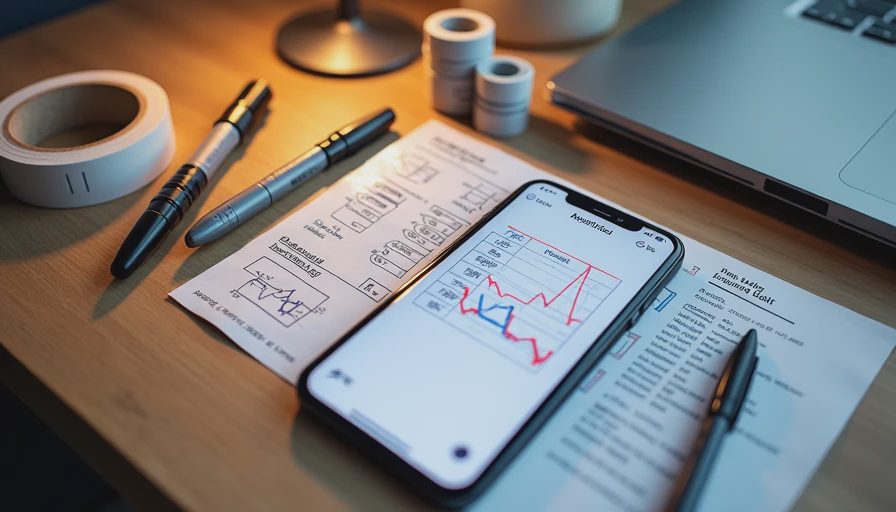
I started the way the instructions suggest. Main breaker off. Panel cover removed. Photographs of every breaker position before anything moved. Then the careful clipping of the two large CTs around the main service feeds, followed by the smaller clamps on individual branch circuits. I worked from the top of the panel downward, trying to keep the new wires neat and the existing wiring undisturbed.
The first mistake was confidence. I had a mental map of the house that turned out to be about 60 percent accurate. The kitchen circuit I was sure fed only the counter outlets also fed the disposal. The “upstairs lights” breaker also fed the hallway smoke detectors. Two breakers that looked independent on the panel schedule were actually tied together through a shared neutral in a way that made the monitoring numbers look nonsensical until I found the connection.
By early afternoon the hardware was in place and power was restored. The Emporia app showed live data. Some circuits made perfect sense. Others were clearly wrong. I had labeled half of them based on the old handwritten panel schedule and my own assumptions. Both sources were unreliable.
The rest of the day—and most of the next—became a systematic process of elimination. One person at the panel or the phone, the other walking the house turning things on and off while we watched the live graphs. Light switches. Outlets. The oven. The furnace blower. The garage door openers. The sump pump. Every time a number jumped, we wrote it down and corrected the label in the app and on the panel itself.
It was tedious. It was also the only way to end up with data I could actually trust.
The Practical Lessons That Survived the Chaos
A few rules I now treat as non-negotiable:
Photograph everything before you touch a wire. The panel schedule that came with the house is a suggestion, not a source of truth.
Label the breakers with temporary tape first. Only commit to permanent labels after the live mapping is finished.
Expect shared neutrals and multi-wire branch circuits in older panels. They will make single-circuit CT readings look strange until you account for them.
Give yourself a full day, not a hopeful two-hour window. The physical install is the short part. The verification is the real work.
Pull the data into a system you already trust. For me that meant Home Assistant and then Grafana so the numbers lived on the same “nerd wall” as everything else. Seeing the circuits next to the heat-pump power and the solar production (once it arrived) made patterns obvious that isolated apps never would have shown.
I also learned that some loads are intermittent enough to fool you. The well pump only runs when the pressure tank drops. The attic fan only runs when the temperature hits its set point. If you map on a mild day you can miss them entirely. A second pass a week later caught two circuits I had marked as “spare” that were definitely not spare.
What the Data Looked Like Once the Labels Were Honest
After the mapping marathon the graphs finally made sense. The overnight base load dropped into clear individual contributors. The heat-pump outdoor unit and air handler had their own clean traces. The kitchen circuit that had looked random resolved into dishwasher, disposal, and a handful of outlets. I could finally see that the network equipment in the basement was drawing a steady 90 watts day and night—fine for reliability, worth knowing for solar offset calculations later.
More important, the corrected labels turned future troubleshooting into a five-minute job instead of a guessing game. When a circuit started behaving oddly, I knew exactly which physical breakers and which loads were involved.
The install was not elegant. The first set of labels was wrong. The second set was right. That is the version worth writing down.
If you are planning your own circuit-level monitoring day, budget time for the mapping. The clamps are the easy part. Knowing what they are actually measuring is what makes the whole system useful.
Your house should work for you, not the other way around. Accurate labels are how the panel starts telling you the truth.



Letters
No letters yet — be the first to write.