I like smart home automation ideas that solve a real annoyance first and turn into savings second. In my own 2003 house, that usually means fewer wasted runtime hours on the HVAC, fewer lights left on in empty rooms, and fewer little tasks my family has to remember. The goal is not to turn every wall into a science project. It is to make the house notice what people are doing and respond without drama. Your house should work for you, not the other way around.
Start with the loads that already have predictable patterns
The easiest win is the one that runs every day anyway. A smart thermostat is still the first thing I point homeowners toward because heating and cooling usually make up the biggest chunk of the bill. A solid model from Ecobee or Honeywell Home gives you schedules, remote control, and a better look at runtime than the dusty thermostat that came with the house. In a typical home, that can mean shaving a noticeable slice off wasted heating and cooling, especially when the old schedule was basically guesswork.
After that, I like occupancy sensing in the rooms people actually forget. A mudroom, laundry room, pantry, or basement stair landing is perfect. Motion-triggered lighting sounds small until you stop paying for a room to glow all evening because somebody walked through it once and forgot the switch. If you want a simple first pass, use smart switches instead of a drawer full of smart bulbs. Switches are less fiddly, they survive wall switches being flipped by guests, and they behave like normal wiring when the system is down.
Leak sensors belong near water heater pans, washing machines, and under sinks. They do not save energy, but they can save a weekend and a deductible. A $30 sensor is cheap insurance compared with drywall, flooring, and cabinet work.
Smart home automation ideas that pay off fastest
The first automations I build are the boring ones. Exterior lights should turn on at sunset and off at a fixed hour. Bathroom fans should run long enough to clear humidity, then shut off. Plug-in loads like office gear, game consoles, and entertainment centers should not sip power 24 hours a day if nobody is using them. That is where smart plugs earn their keep. I use them for testing before I commit to a permanent circuit-level solution.
Window shades and blinds are another underused upgrade. In summer, closing the west-facing shades before the afternoon sun hits can cut the amount of heat the air conditioner has to fight. In winter, opening them on a sunny morning can warm a room for free. You do not need a luxury motorized setup to get the benefit; even one or two automated rooms can make the house feel more stable.
If you are trying to keep the budget sane, focus on devices that replace a habit you already keep forgetting. That is where automation feels like a good assistant instead of another app begging for attention.
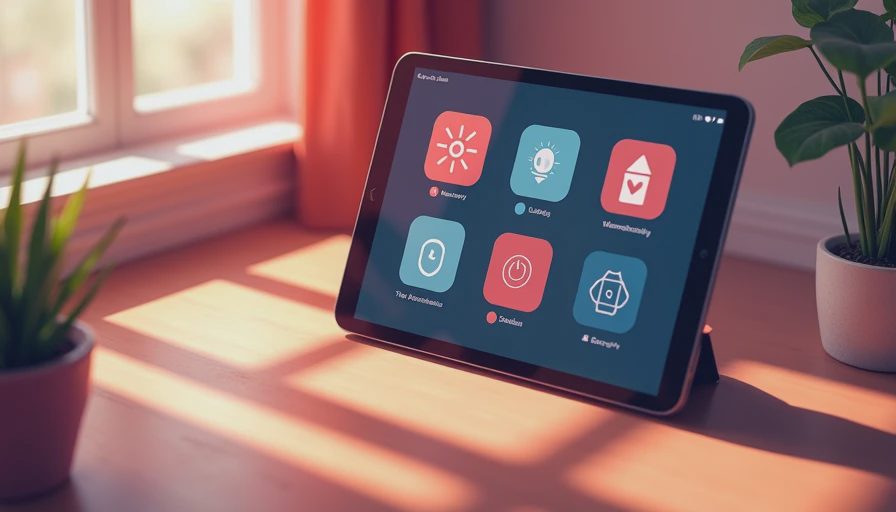
Where the savings actually show up
The utility bill usually gets better in three places. First is HVAC runtime. A thermostat that stops the house from overshooting by two degrees every morning is not glamorous, but it matters over a month. Second is standby power. A media cabinet, a desk setup, and a bonus room full of chargers can quietly add up to $5, $10, or more each month depending on how sloppy the load list is. Third is peak behavior. If your utility has time-based pricing or demand charges, shifting dishwashing, laundry, or water heating away from the worst hours can help more than people expect.
One example from my own place: I tightened a few schedules, added a couple of occupancy rules, and stopped a few always-on loads from idling all day. The result was not magic, but it was real. The bill dropped enough that I could point to specific circuits and say, yes, that one paid for itself faster than the fancy gadget did. That is the kind of payoff I trust.
The nice part is that none of this requires a whole-house rewrite. A normal home can start with one room, one thermostat, or one circuit and still move the needle.
Keep the system simple enough that your family will use it
The best smart home automation ideas are the ones your family does not have to think about. If an automation needs a manual, a backup chart, and a tech support phone call every time the internet sneezes, it is too complicated. I learned that the hard way when a motion sensor in my pantry kept shutting the lights off too soon while somebody was standing still reading labels. The fix was a longer delay and better placement, not more hardware.
I also learned that device naming matters more than people expect. If a switch is labeled like a network diagram, nobody will use it. Keep the names plain: kitchen sink, hallway, office desk. Choose products that can still do basic jobs locally if the cloud app is slow. Lutron Caseta is a good example of a steady, boring lighting platform. Kasa plugs are cheap and useful when you want to experiment without a big commitment. Home Assistant can glue a lot of this together if you like tinkering, but the house should still behave when you are busy coaching Little League or making dinner.
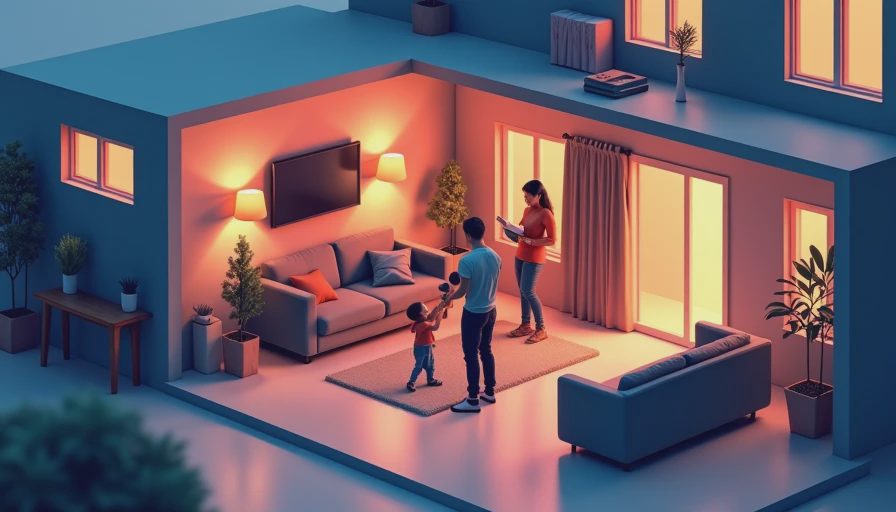
A rollout plan for a normal budget
If I were starting from scratch, I would spend under $250 on the first phase. That could buy a thermostat, one or two plugs, and a couple of sensors. Phase two, in the $500 to $800 range, is where a homeowner can add smart switches in the rooms that matter most, plus leak detection and a more complete lighting plan. Phase three, once the basics prove themselves, can cover shades, more circuits, or deeper energy monitoring.
That staged approach keeps you from buying five gadgets that all solve the same problem while ignoring the one thing driving your bill. It also lets you learn your house. A 1990s tract home and a 2010s build do not need the same automations. One may need better HVAC scheduling, while the other needs help taming plug loads and afternoon solar gain. Data beats guesswork every time.
Stop when the automation no longer feels invisible
The finish line is not having the most devices. It is having a house that feels calmer, uses less energy, and asks less of you. If a rule saves a few dollars but creates weekly irritation, it is a bad trade. If a device has to be babysat, it is not earning its space. Smart home automation ideas should remove friction, not add another hobby to the calendar.
If you want smart home automation ideas that cut waste without eating weekends, start with the obvious loads, track the bill, and build from there.

Letters
No letters yet — be the first to write.