I skipped my home assistant voice setup for two years. The dashboards were done, the switches were wired, the thermostats ran on schedules. Voice felt like a nice-to-have. Then Taryn asked why she still had to dig her phone out of the couch to turn on the porch light, and I got the message. A good voice setup is the difference between a smart home that's fun for one person and useful for everyone. Here's what I built, what it cost, and where I screwed up.
What a Home Assistant Voice Setup Actually Is
Think of it as three pieces: a voice satellite in the room, a speech-to-text engine, and a text-to-speech engine. You say “hey house, kill the living room lights.” The satellite hears the wake word, records your command, and hands it to Home Assistant, which parses the intent, flips the switch, and answers back.
The critical difference is where the audio goes. Alexa and Google process your voice on their servers. The Wyoming protocol keeps it all local: Piper generates responses, and Whisper handles transcription. No cloud, no account, no monthly fee. Commands work even when the internet hiccups.
The Hardware: What I Bought and What It Cost
I run Home Assistant on a Beelink mini PC with 16 GB of RAM, though a Raspberry Pi 5 handles voice fine with a lightweight Whisper model. The satellites matter more. I built two. The ESP32-S3-BOX-3 costs about $35 and comes with a mic array and speaker in a decent enclosure. The second is a Pi Zero 2 W with a ReSpeaker 2-Mic HAT, roughly $45 in parts, mounted in a printed case on the kitchen counter. Both run ESPHome and connect over Wi-Fi.

The software is free. Piper picks the voice — I use one that sounds like a calm radio announcer — and Whisper transcribes. The base model runs fine on CPU and responds in under a second. Total cost for two satellites: about $80 plus the server you already own.
The Home Assistant Voice Setup Steps I Followed
If I restarted, this is the order I'd use. First, update Home Assistant and install the Wyoming add-ons for Piper and Whisper. Download your models and test them in the browser — you don't need a satellite yet. Second, configure the Assist pipeline. Pick a wake word. I chose “hey house” because it's easy for kids and doesn't collide with “hey Google” muscle memory. Third, expose the entities you want voice control over. Home Assistant exposes nothing by default, which is a feature: only the lights, switches, and thermostats you check will respond.
Finally, flash the satellites with ESPHome. The YAML is short: include the voice_assistant component, point it at your Home Assistant URL, and flash over USB or the air. The first flash takes ten minutes; every one after that takes ninety seconds.
Where My Setup Fell Over
The first satellite echoed so badly Taryn called it the cave radio. The speaker sat too close to the microphone, so it heard its own replies. I dropped the volume to 60 percent and added a short audio delay in ESPHome. Done. The second problem was speed. The medium Whisper model took four seconds to transcribe a two-second command. Switching to the base model cut that to under a second. For a house, responsiveness beats accuracy.
The third problem was my kids. They said “hey Google” for three weeks out of habit. I added room aliases so “den” and “living room” point to the same zone, and I left the old Echo Dot in the garage for music. Voice control is about convenience, not purity.
Does It Beat Alexa and Google?
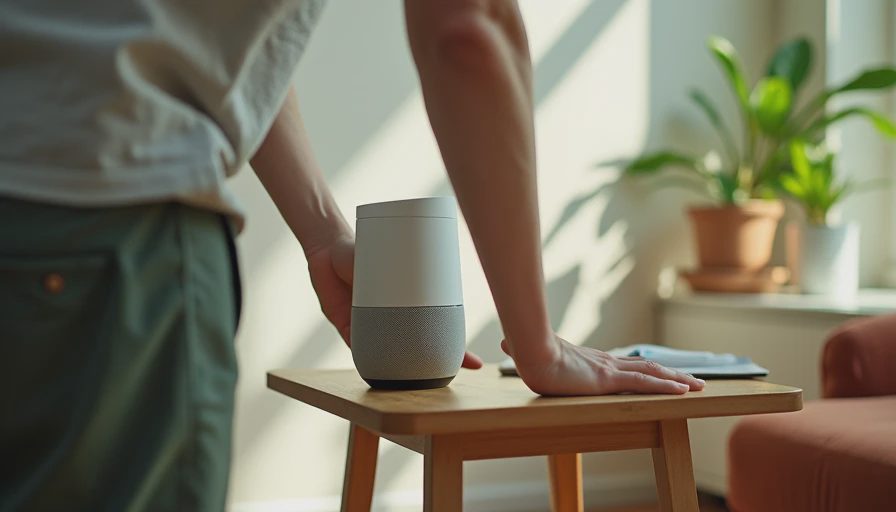
Not everywhere, and I won't pretend otherwise. Alexa has a bigger catalog of skills, better music integration, and hardware at every big-box store. For a family that lives on streaming music, a $25 Echo Dot is hard to beat. I own one. But where a home assistant voice setup wins is the everyday stuff: it works offline, needs no account, and plugs straight into your automations. Say “turn off everything upstairs” and it hits exactly the devices you grouped — not the ones Amazon guesses.
My recommendation is to run both if you're already invested in a smart speaker. Satellites go where your family gives commands — kitchen, living room, hallway. The cloud speaker stays where it's doing cloud things. Your house should work for you, not the other way around.
What I'd Change in a Second Build
First, I'd buy a third satellite for the bedroom before touching another dashboard. Morning voice commands are the ones your spouse actually wants. Second, I'd train a custom wake word from day one instead of fiddling with built-in options. openWakeWord lets you record a few samples of your own voice, and the kids picked up a custom word faster than a default one. Third, I'd wire satellites with Power over Ethernet where possible — two of my Wi-Fi devices drop packets whenever the microwave runs, and PoE would have eliminated that entirely.
If you're starting from zero, skip the fancy hardware until you've tested the pipeline in the browser. Get the free software running, prove the wake word works, then spend $35 on a satellite. Start small, break things in the right order, and don't let one finicky afternoon convince you the whole idea is doomed. I almost let it, and I'd have missed the best smart-home upgrade I've made in years.



Letters
No letters yet — be the first to write.