The first time I wired smart switches for home automation in my 2003 Boise house, I expected a quick weekend win and got a lesson in box depth, neutral wires, and humility. One hallway light finally stopped being left on all night, but I also discovered that a few of my switch boxes were packed tighter than a network closet on move day. That is the real story with this upgrade: it looks simple on the product page, then turns into a practical wiring job that rewards careful planning. If you want a house that feels easier to live in, this is one of the cleanest ways to get there without tearing into drywall.
What I look for in smart switches for home automation
When I choose smart switches for home automation, I start with the boring stuff because the boring stuff decides whether the project works. Does the box have a neutral wire? Is it a single-pole switch or part of a three-way? Is there enough room for a deeper device body and the wire nuts? Those questions matter more than app polish. A switch that drops offline once a week is not a convenience, it is a nuisance with a Wi-Fi chip.
Price matters too. Basic Wi-Fi switches from TP-Link Kasa or Leviton often land around $25 to $45 each, while better dimmers and more robust ecosystems can run $50 to $80. Lutron Caseta sits higher, but I have had great luck with its stability, especially where I want the lights to just work every time. If you are deep in Home Assistant, Zigbee or Z-Wave options can be a better long-term fit than another cloud dependency.
I also pay attention to dimming behavior. Cheap dimmers can flicker with certain LED bulbs, especially at the low end of the range, and that drives people crazy faster than almost anything else. If your lighting is mostly recessed LEDs, buy one test switch first and try it in the room you use most. That $35 experiment is cheaper than replacing six bad switches later.
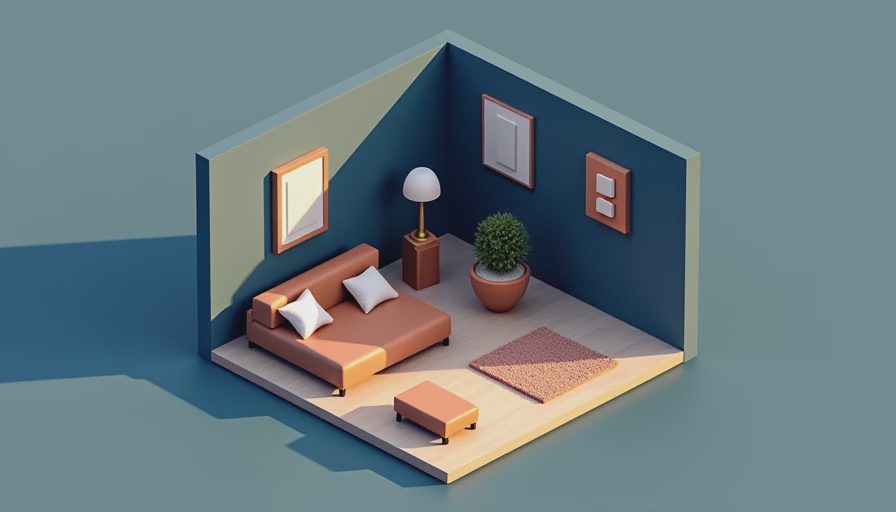
Where the payoff shows up
The payoff from smart switches for home automation is rarely a giant electric bill drop by itself. LEDs already sip power, so the real savings come from reducing dumb runtime. If a kitchen, mudroom, and porch light no longer burn for hours because the schedule shut them down or a motion rule caught them, that adds up. In a house like mine, the bigger win is consistency. Guests do not leave the pantry light on. The exterior lights do not stay blazing after sunrise. The bathroom fan does not run for half the afternoon because somebody forgot it.
That matters because lighting is one of the easiest loads to tame without changing how a family lives. You are not asking anyone to learn a new routine. The wall switch still works like a wall switch. The automation just adds guardrails. In practice, that means your house feels more organized and a little cheaper to run, which is a much better deal than buying a gadget that only looks smart on a phone screen.
The installation traps that waste a Saturday
The most common mistake I see is assuming every switch box is ready for the new device. Older homes often need a neutral wire, and some multi-way circuits were wired in ways that make the swap slower than expected. I have opened boxes where the hot, load, and traveler wires were all tucked behind paint-stiffened conductors and nobody had labeled anything. That is when a phone photo of the original wiring saves the day. Turn off the breaker, verify the circuit is dead with a tester, and then pull one switch at a time. That extra minute beats a tripped breaker and a half-finished room.
Another gotcha is box fill. Smart switches are deeper than plain toggles, so a shallow metal or plastic box can become a tight fit fast. If the device barely crams in, you will fight the drywall every time you reinstall the faceplate. Dimmer compatibility can also bite you. Some LED fixtures need a minimum load or a better-quality dimmer curve, and cheap combinations will buzz. That is why I tell homeowners to start with one room, not the whole house. Prove the hardware in a real setting before buying six more.
Platform choices without the fan club behavior
Wi-Fi is the easiest place to start, and for a lot of homes it is good enough. A straightforward app, no hub, and a familiar setup process make the first install less intimidating. The tradeoff is that every device leans on your network, so weak coverage or a cheap router can turn convenience into another support ticket. Zigbee and Z-Wave feel more like a mesh of little helpers than a pile of separate gadgets, which is why they tend to behave better in larger homes or for people already using Home Assistant.
Matter and Thread are promising, but I would not buy only on future promise. Buy what works well today, then choose a device family that fits your house and your tolerance for tinkering. If you want the most hands-off path, Lutron Caseta is still hard to beat. If you want lower cost and do not mind a little more setup, Leviton, Kasa, and Aqara all have sensible places in a retrofit. The trick is to match the tech to the room, not the marketing copy.
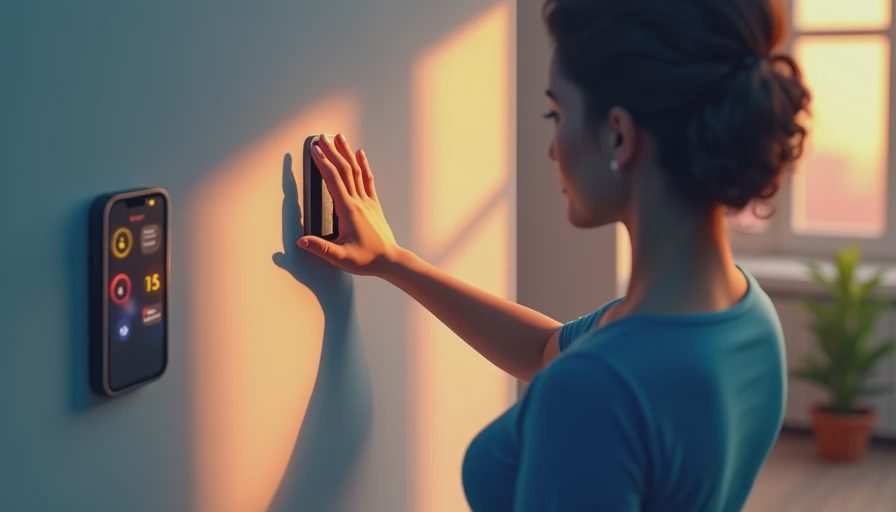
A rollout plan that does not turn into a half-finished project
If I were starting over, I would install smart switches for home automation in this order: the entry lights, the most-used hallway, the porch or garage lights, and then the kitchen. Those are the places where the convenience shows up every day. After that, I would move to stair lighting, bathrooms, and any three-way switches that always confuse visitors. You do not need to automate the whole house in one shot. In fact, trying to do that is how people end up with a pile of parts on the dining table for six months.
Budget around $150 to $300 for a couple of good switches and the tools you do not already own, or $400 to $800 if you are refreshing a bigger zone with dimmers and a mix of special cases. If you need an electrician for a tricky box, add labor to the math. Even then, the cost is usually easier to swallow than a full lighting remodel, and the result is something you use every single day.
The best test is simple: if the automation disappears into the background and the wall switch still feels normal, you picked well. That is the point. smart switches for home automation should make the house easier to run, not give you another app to babysit. If you buy smart switches for home automation with a plan, they stop being a novelty and start being part of the building. Your house should work for you, not the other way around.


Letters
No letters yet — be the first to write.