Your house should work for you, not the other way around. As a former network engineer who now retrofits homes for efficiency, I treat lighting like the last mile of a network. A bulb is just a tiny computer that happens to emit light. After installing twelve models across my 2,400-square-foot house and tracking them for weeks in Home Assistant, I can tell you the best smart light bulbs for home automation aren't always the most expensive ones. They're the ones that connect reliably, respond fast, and don't strand you when the Wi-Fi hiccups. Here's what earned a permanent socket.
What Makes the Best Smart Light Bulbs for Home Automation
In my book, a smart bulb has to check four boxes. First, it needs a protocol that doesn't depend on a single cloud server. Zigbee and Matter devices keep working locally even if the internet dies. Second, it needs solid color rendering. That's a CRI of 80 or higher for everyday rooms. Third, it needs a price that doesn't make you wince when you're buying a 12-pack. And fourth, it needs to play nice with a hub like Home Assistant, SmartThings, or even just Alexa. A bulb that only works in its own app is a toy, not a home automation tool.
The Bulbs I Actually Recommend
After testing, here are my picks.
If you want the most reliable and easiest to set up, the Philips Hue White and Color Ambiance A19 is still the benchmark. It uses Zigbee, so it works with the Hue Bridge and with a Zigbee coordinator in Home Assistant. A three-pack runs about $130, which is steep per bulb, but the hardware has never missed a beat in my house. If you're on a budget, the Wyze Bulb Color is hard to beat. At around $10 each, it's a Wi-Fi bulb that needs no hub, and it's flashed with a firmware that lets you drop it into Home Assistant if you're willing to tinker. For a no-hub middle ground, TP-Link's Kasa KL125 dimmable white bulb sells for about $10 and responds faster than most of the Wi-Fi competitors I tested.
Why Zigbee Almost Always Wins for Automation
I know a lot of people start with Wi-Fi bulbs because they're cheap and don't require a hub. But the more bulbs you add, the more they fight for airtime on your access point. In my test, a home with nineteen Wi-Fi bulbs saw sluggish commands in the afternoon channels — the 2.4 GHz band is crowded. Zigbee solves that by using its own mesh. Each bulb acts as a repeater, so a bulb in the garage can hop through the one in the hallway to reach the coordinator. That resilience is worth the extra setup. Most of the best smart light bulbs for home automation in my final list are Zigbee for exactly this reason.
The Installation Screw-ups I Made So You Don't Have To
First mistake: pairing bulbs while the breaker was on but the switch was off. Most smart bulbs need power to pair, so make sure the wall switch is on. Second mistake: ignoring the color temperature. A 2700K bulb is warm and cozy, but a 4000K bulb in a stairwell makes things look clinical. Buy the right hue for the room. Third mistake: assuming all bulbs dim the same. If you use a dimmer switch designed for old-school incandescents, a smart bulb can flicker like a strobe. Use compatible dimmers or just skip the wall dimmer and control brightness from the app.
How to Set Up Smart Lighting So Your Family Actually Uses It
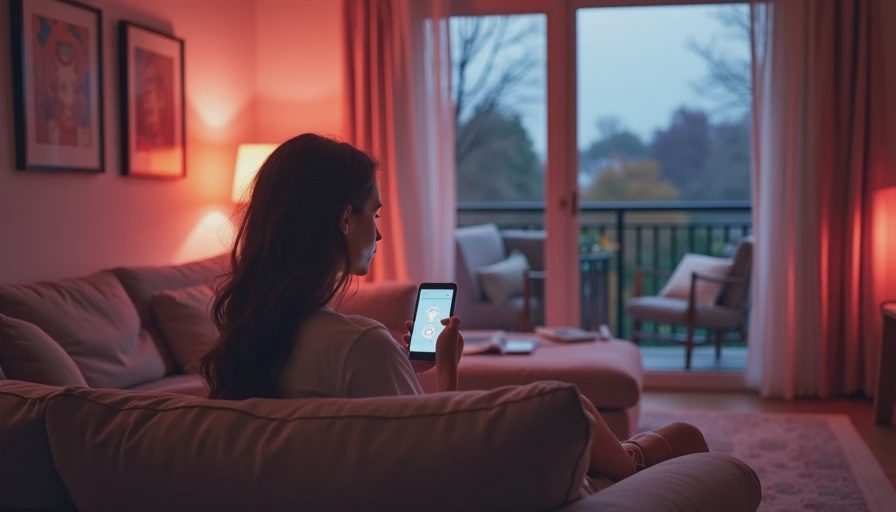
The best smart light bulbs for home automation won't help if nobody pairs them correctly. I set up my own bulbs in three phases. Phase one: swap every bulb in a single room, like the living room, and create a scene called "Movie Night" that dims to 20% and sets a warm 2400K color. Phase two: add motion sensors to hallways and bathrooms so lights turn on for three minutes and then off. That alone cut my family's "I left the light on" argument count to zero. Phase three: connect your bulbs to your morning routine. At 6:45 AM, the kitchen bulbs ramp from 0% to 100% over fifteen minutes, which is a lot easier than waking to a full-blast light. Taryn won't tolerate a random light that blinds her before coffee, so the slow fade is the trick.
I also tell clients to skip the phone app for daily use. Put a physical switch or a $20 smart button on the wall near the door. Philips Hue sells a Dimmer Switch that sticks to the wall and gives you a normal-looking button. Wyze has a small button too. When a guest can walk into a room and turn on a light without asking, that's when a smart home actually starts to work for you. Your house should work for you, not the other way around.
Start with one room and build out from there. Once your first room works flawlessly for a week, expand to the rest of the house. The payoff in convenience and lower energy bills makes the setup time worth it.

Letters
No letters yet — be the first to write.