The best smart hubs for home automation are the ones that make daily life simpler instead of becoming another hobby. In my house, the hub is less like a trophy gadget and more like a traffic cop: it tells lights, locks, sensors, thermostats, and shades when to move, even when the internet is sulking. If you are trying to build a house that saves time and a little energy, the hub matters more than the latest glossy device. The trick is picking one that matches your patience level, your device mix, and how much you want to tinker after dinner.
What a hub actually does
When people ask me about the best smart hubs for home automation, I start with what the hub is actually doing. It is the bridge between your devices and the rules you want to run. A motion sensor can turn on a hallway light. A window sensor can nudge the thermostat when a bedroom is open. A scene button can shut down half the house at bedtime. Without a hub, a lot of those devices live in separate apps and never really talk to each other.
The most useful split is local control versus cloud control. Local control means the brain is in your house, so the automations still work when the internet blips or the vendor has a bad Tuesday. Cloud control can be easier at the start, but it adds dependency. I learned that the hard way after a storm knocked my connection out and a “smart” routine stopped being smart right when I needed it most. Since then, I care a lot more about whether a hub can keep the basics running on its own.
The short list I keep coming back to
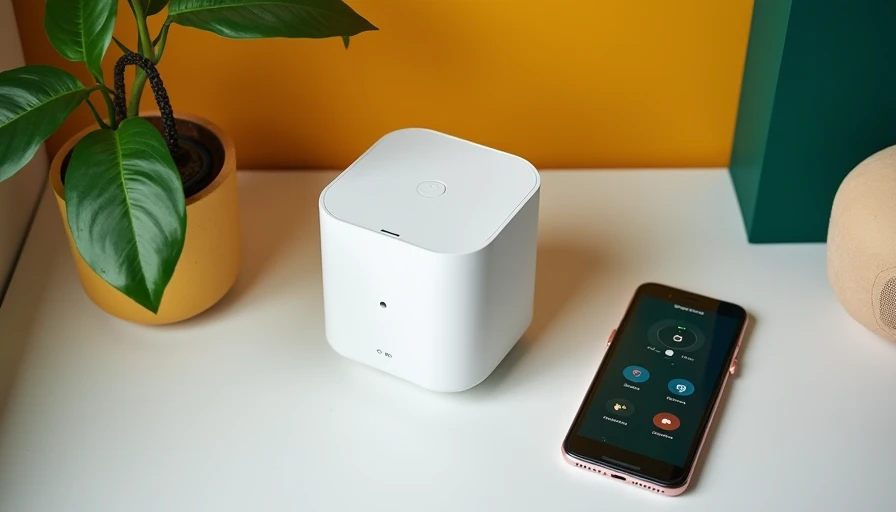
If you want the best smart hubs for home automation without getting lost in spec sheets, the practical short list is Home Assistant, Hubitat, SmartThings, and the voice-assistant hubs from Amazon and Apple. Home Assistant is the heavy hitter for people who want control, flexibility, and local automations. A Home Assistant Green starts around the cost of a decent dinner out, and a small mini PC costs more up front but gives you room to grow. Hubitat is the steady, local-first option that handles Zigbee and Z-Wave well and does not demand a computer-science degree. SmartThings is still one of the easiest ways to get a mixed brand setup working fast. Apple HomePod mini and Amazon Echo Hub are simpler paths if your house already lives inside those ecosystems.
The real question is not which one is coolest. It is which one will still feel painless six months from now. If you like to set things once and move on, SmartThings or Hubitat usually beat a more hands-on platform. If you enjoy learning the system and want to build automations that act more like a custom control panel than a consumer app, Home Assistant is hard to beat.
Where people waste money before they get the payoff
The fastest way to overspend is to buy devices before you design the house around them. I have seen people load up on Wi-Fi bulbs, random plugs, and a fancy display, then discover the real problem was the network. A weak 2.4 GHz Wi-Fi setup can make cheap devices flaky. A Zigbee or Z-Wave mesh can be far more stable, but only if you place enough powered devices to carry the signal. I once blamed a bad switch for week-long lag, then found the actual issue was a repeater tucked behind a steel shelf in the garage. Move the repeater, problem gone. That is not glamorous, but it is real life.
Subscriptions can also sneak up on you. A hub itself is usually a one-time purchase, but some add-ons, cloud services, and camera plans keep billing every month. If your goal is practical home automation, buy the platform first, then add only the services you actually use. Matter helps because it gives newer devices a shared language, and Thread gives those devices a low-power mesh path. That does not magically fix every compatibility issue, but it does reduce the number of dead-end purchases.
How I’d choose for a typical house
If you want the best smart hubs for home automation, choose based on the devices you already own and the level of effort you want to spend. For a family that wants easy app control, decent voice support, and quick setup, SmartThings is still a reasonable place to start. For a homeowner who wants reliable automations without leaning on the cloud, Hubitat is a strong middle ground. For the person who wants the most capable system and does not mind reading a few forums at night, Home Assistant is the one I keep coming back to.
This is also where your home’s energy habits start to matter. A hub that can watch occupancy, window state, and time of day can shave waste without feeling theatrical. In winter, I use automations to trim setbacks when nobody is home. In summer, I use them to make sure lights and fans do not stay on because somebody forgot. Those savings are not going to pay off a full remodel by themselves, but they do stack up over a year, and they make the house feel more intentional.
My practical picks by scenario
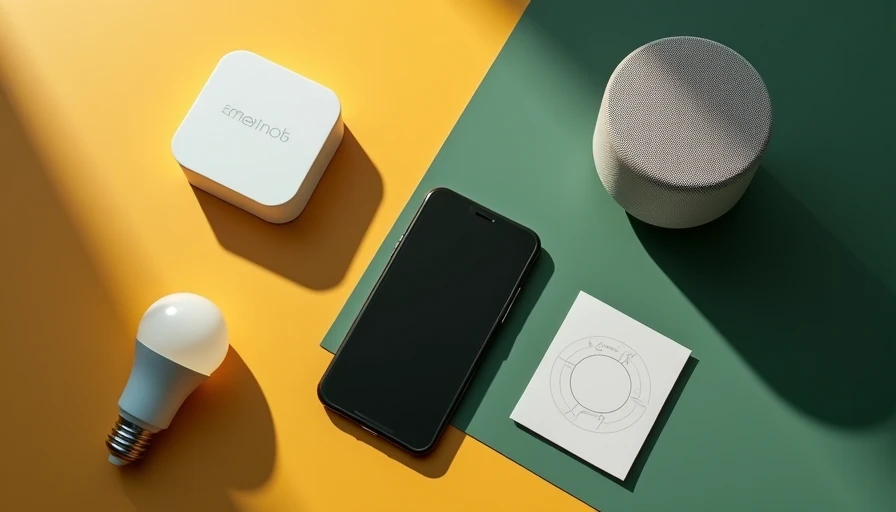
For a starter setup, I would buy something simple and live with it for a month before adding more gear. That means a hub with broad compatibility, decent app design, and enough local function that a cloud outage does not ruin your evening. For an owner who already has a pile of Zigbee sensors or Z-Wave switches, I would prioritize the platform that talks to those devices cleanly instead of forcing a brand reset. For a deeper retrofit, I would spend the extra time on Home Assistant, because the payoff comes from flexibility, not from a prettier box.
For the best smart hubs for home automation in a busy family house, reliability beats novelty every time. Nobody in my house cares how elegant an automation looks in a demo if it misses twice in a row on a school morning. They care that the hall lights come on, the thermostat behaves, and the lock routine works the same way every night. That is why I test devices the boring way: by using them for months, not minutes. If a hub can survive a few missed sunsets, a storm, and a kid pressing the wrong button, it earns a place on the wall.
Bottom line for buyers who want this to work
The right hub is the one that fits your tolerance for setup and your appetite for control. Start with the devices you already own, favor local control where you can, and do not pay extra for features you will never turn on. If your goal is a house that quietly handles the routine stuff, you do not need the flashiest platform. You need the one that keeps working when life gets messy. Your house should work for you, not the other way around. If you want, I can also turn this into a buyer’s guide by budget, with a starter pick, a midrange pick, and a power-user pick.


Letters
No letters yet — be the first to write.